Omit ConvertComing soonLocal file conversion and metadata scrubbing.
Omit Convert changes formats and strips hidden metadata without a cloud service. Batch documents, images, audio, and video with royalty-free codecs, then optionally redact the result.
It is in progress. There is nothing to download yet, and we will not put a date on it.
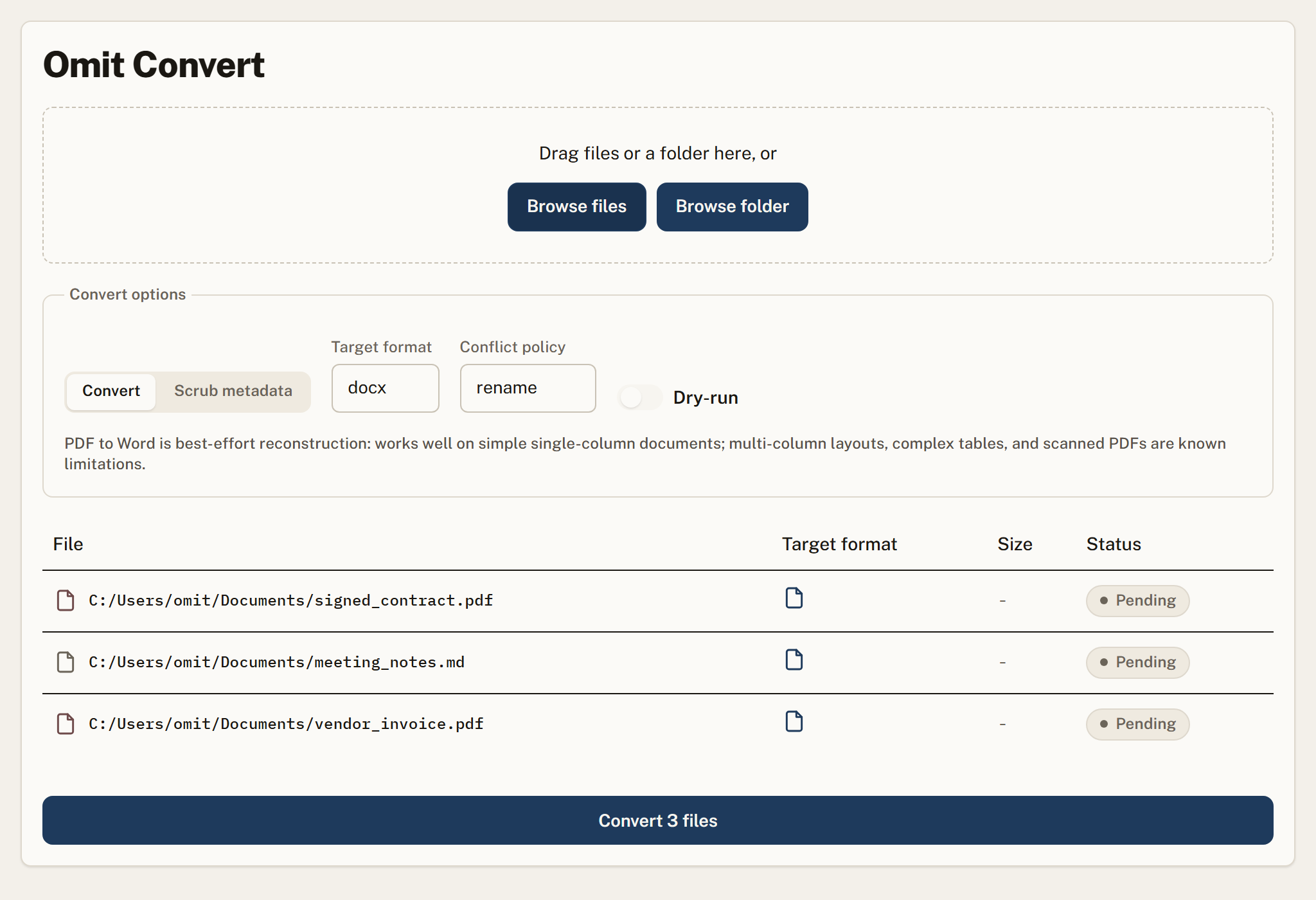
Documents to Markdown, HTML, or text, plus image, audio, and video formats, all processed on your machine.
Remove author, GPS, device, and revision metadata that travels silently inside files.
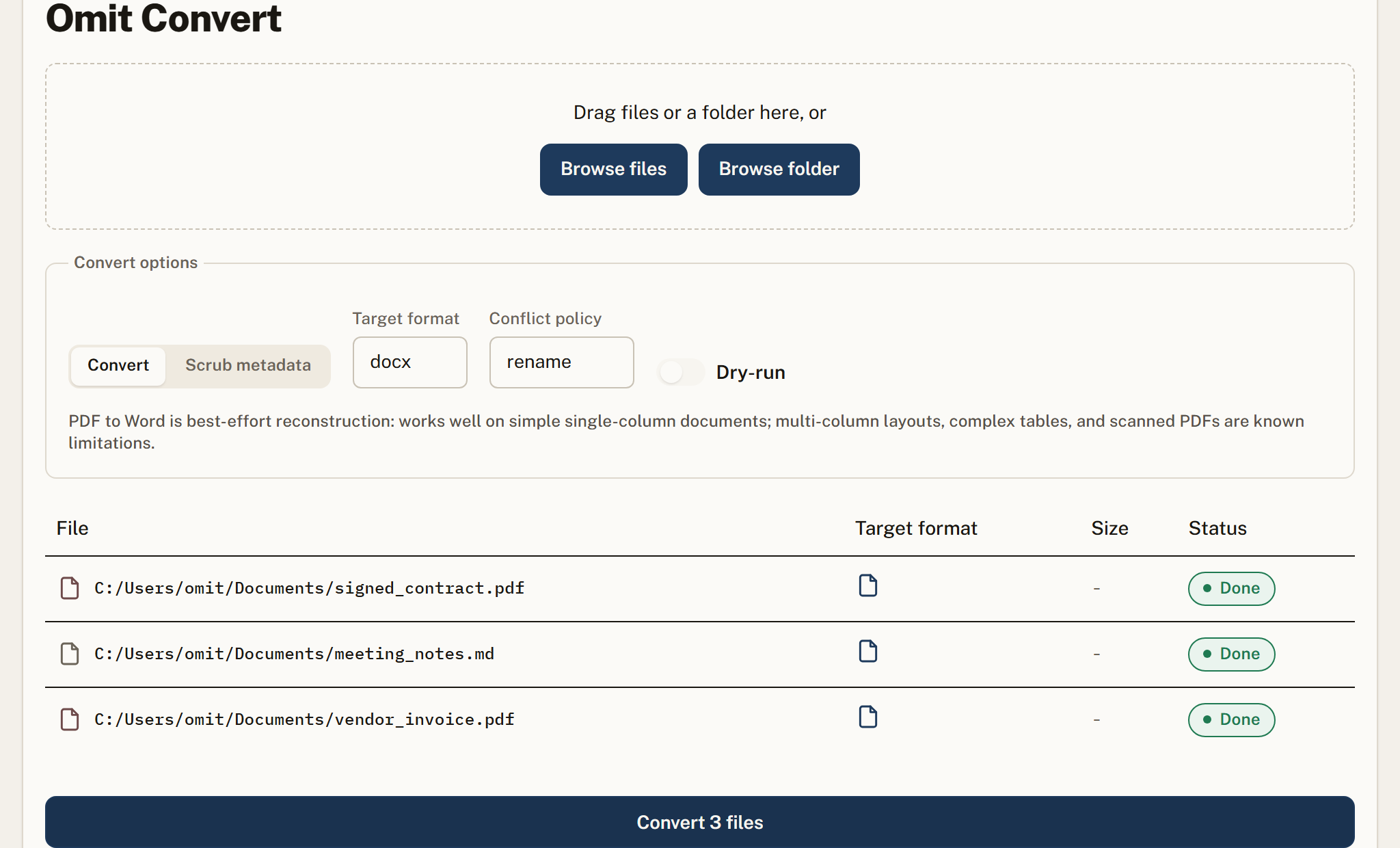
Every file shows its target format and a status: pending, running, done, skipped, or error.
Preview exactly what a batch will produce before writing a single file.
Chain redaction onto the conversion so the output copy is already clean.
Media conversion uses open codecs, with capability-gated formats clearly marked per machine.
Drop
Add files or a folder and choose Convert or Scrub metadata.
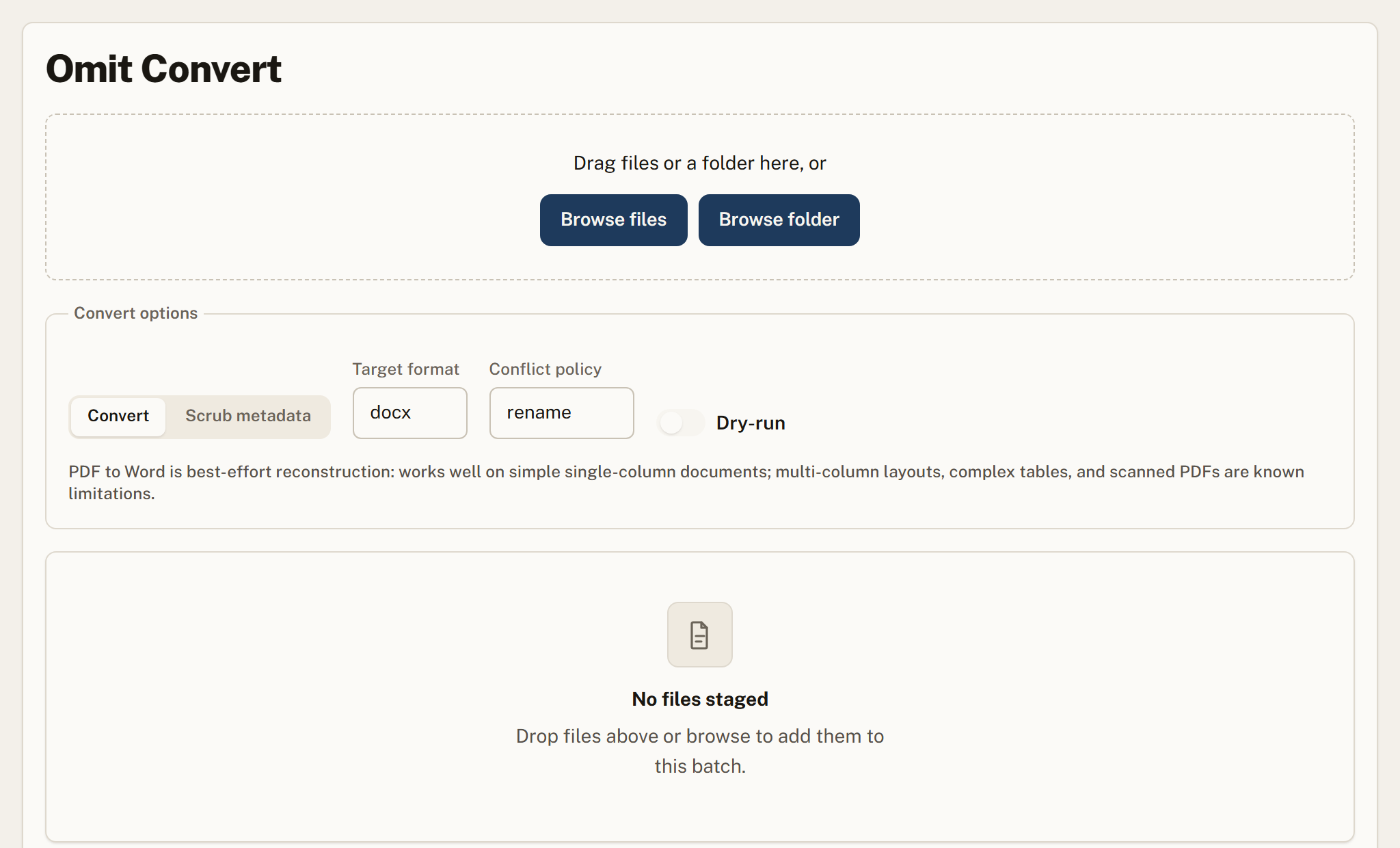
Configure
Pick the target format, conflict policy, and whether to dry-run or redact after.
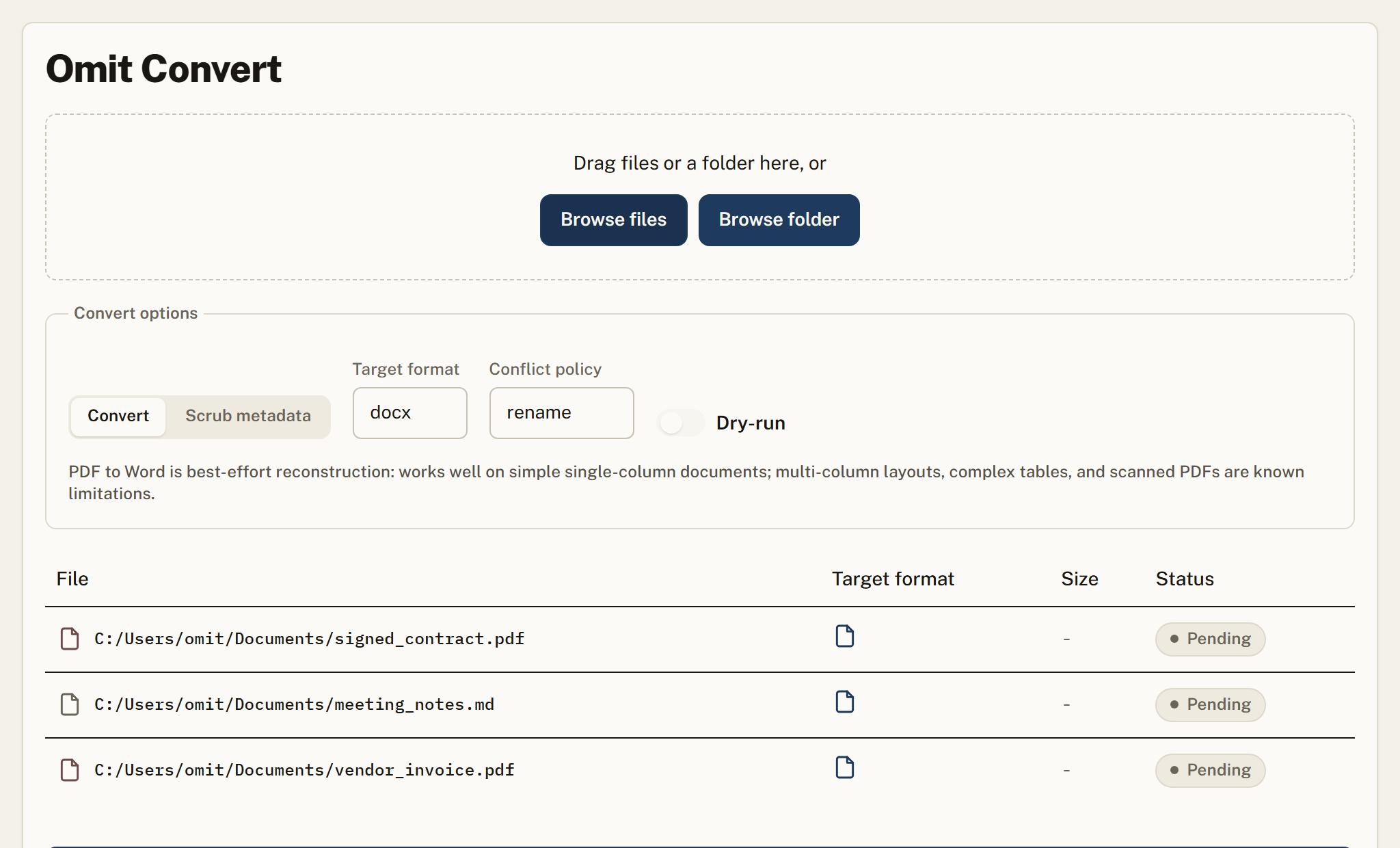
Run
Process the batch locally with live progress and per-row status.
Where teams rely on it
Supported formats
| Category | Formats | Notes |
|---|---|---|
| Documents | PDF, DOCX, RTF, TXT, MD, HTML | Conversions run locally, so a confidential file never has to be uploaded to a web service to change format. |
| Spreadsheets | CSV, XLSX, ODS | Structure is preserved rather than flattened to text. |
| Images | PNG, JPG, WEBP, TIFF, BMP | Metadata scrubbing removes EXIF, including GPS coordinates and device identifiers, which is often the actual privacy problem with an image. |
| Audio and video | MP3, WAV, M4A, MP4, WEBM | Royalty-free codecs only, which is a deliberate constraint and the reason some proprietary formats are absent. |
What Omit Convert does not do
Every tool has a boundary. Finding ours after you buy would be worse than reading it here, so here it is.
Fewer format pairs than web converters
Services like CloudConvert and Zamzar support far more combinations than we do. If you need an unusual pair for a file that is not confidential, a web converter is the practical answer.
Royalty-free codecs only
Some proprietary formats are unsupported by design rather than oversight, because shipping them offline would require licensing we have not taken.
Large media files are slow
Conversion runs on your CPU rather than a server farm. A long video takes noticeably longer than a cloud service would take.
Windows is the only platform available now
macOS is coming soon and there is no Linux build.
No cloud, no accounts, no telemetry.
Output goes to new _redacted files.
Uncertain? Omit refuses rather than leaks.
Pull the network cable, it still works.
One engine, everywhere your data moves
Frequently asked
Do my files leave the device?
No. Every conversion and metadata scrub runs locally.
What is metadata scrubbing?
It removes hidden fields like author, GPS location, and device details that files carry by default.
Can I preview before writing files?
Yes. Dry-run shows the full result of a batch before anything is written.
Omit Convert is coming soon.
It is in progress. There is nothing to download yet, and we will not put a date on it. Leave your email and we will tell you the moment it ships.